
PortGuard
Open-Source macOS Menu Bar App
PortGuard promo video · 28 sec · English voice-over
About the Project
Developers spin up plenty of local servers throughout the day — npm run dev, flutter run, vite, docker, python uvicorn. When terminal tabs get closed, these processes are forgotten in the background: consuming 1-4GB+ of RAM and 15-30%+ CPU, draining battery life, heating up the machine, and causing EADDRINUSE port conflicts on the next project.
PortGuard solves this as a lightweight app living in the macOS menu bar and dashboard: it scans every listening TCP port in milliseconds, shows live per-process RAM/CPU usage, and safely stops processes with kill -15 in one click (or in batch).
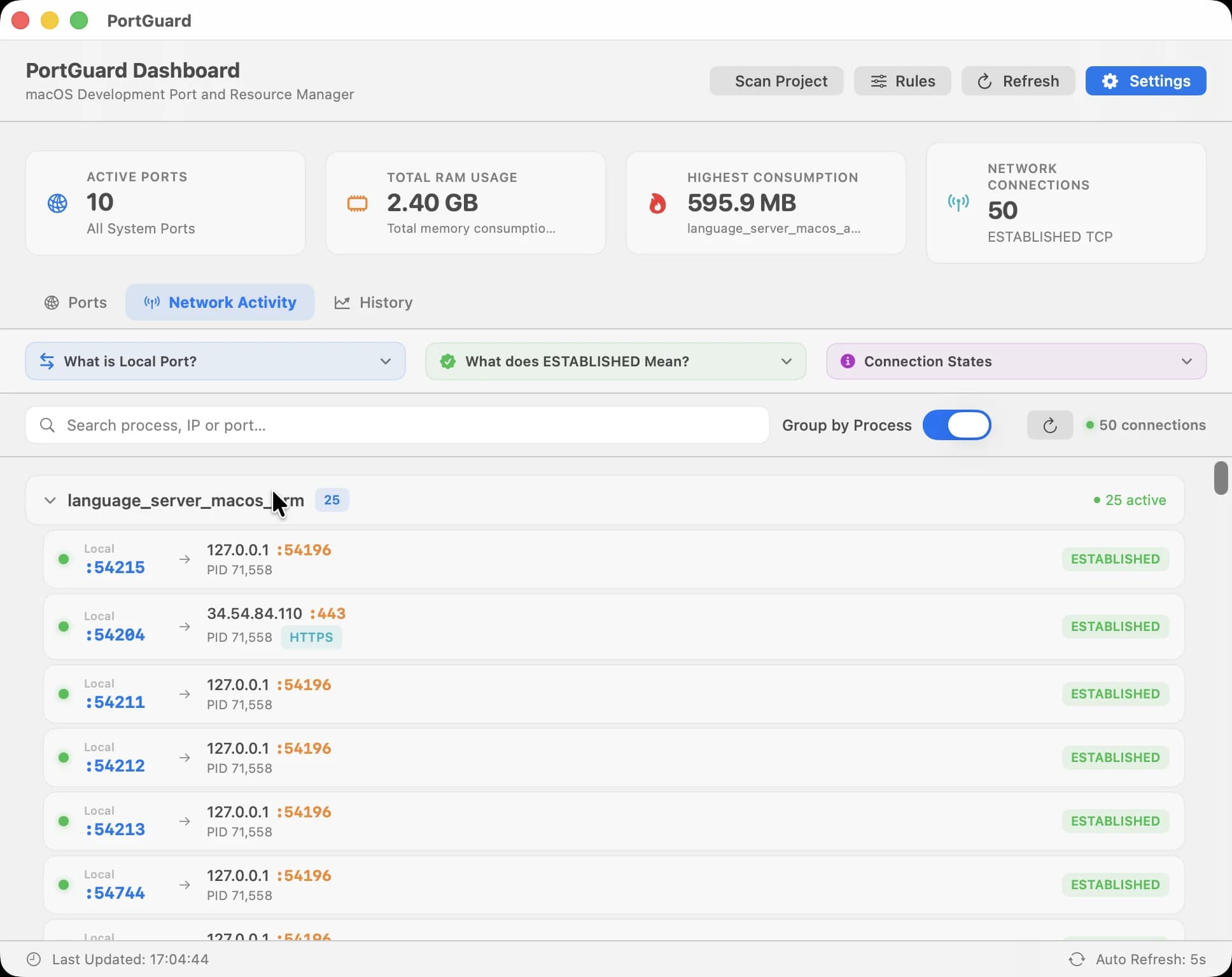
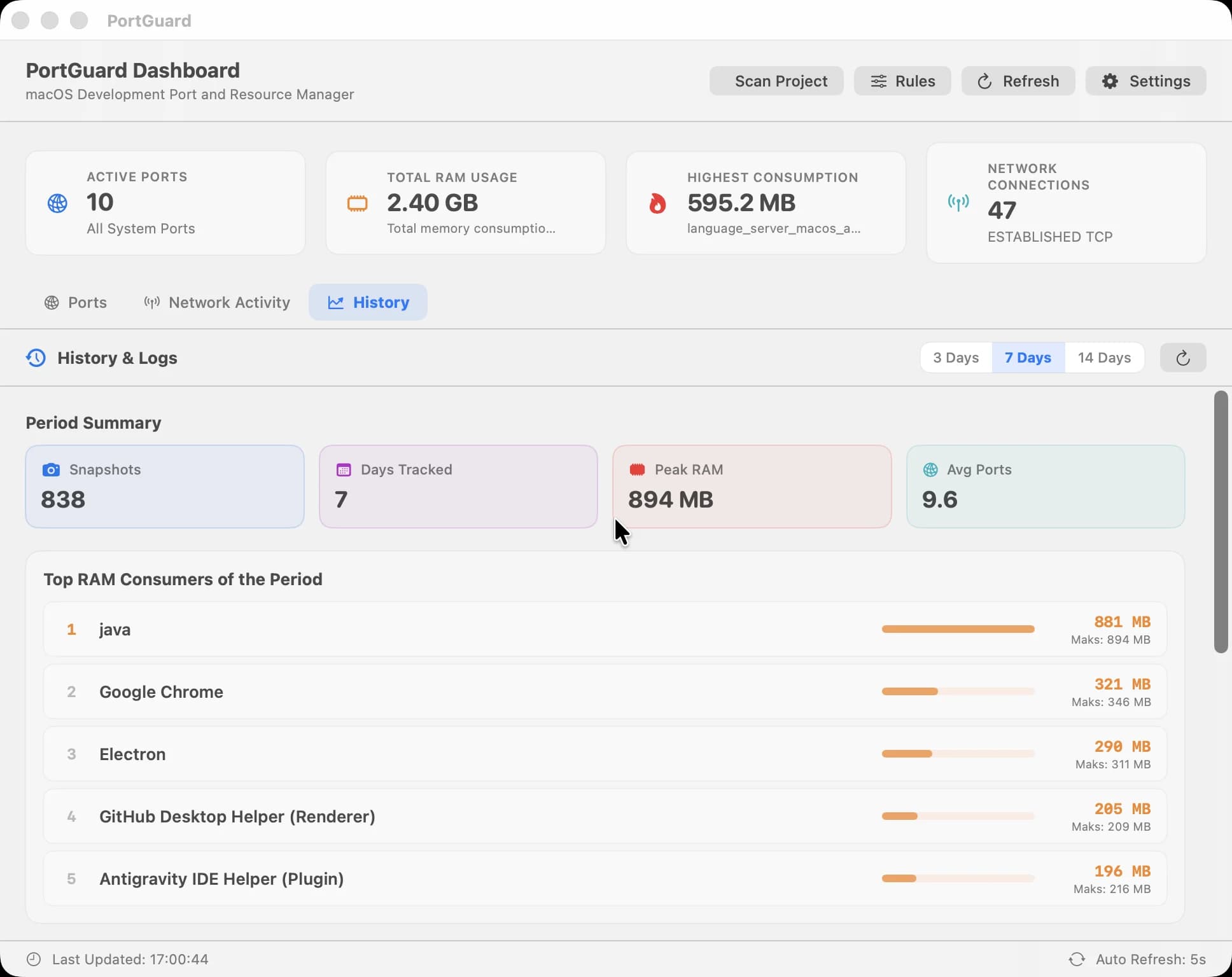
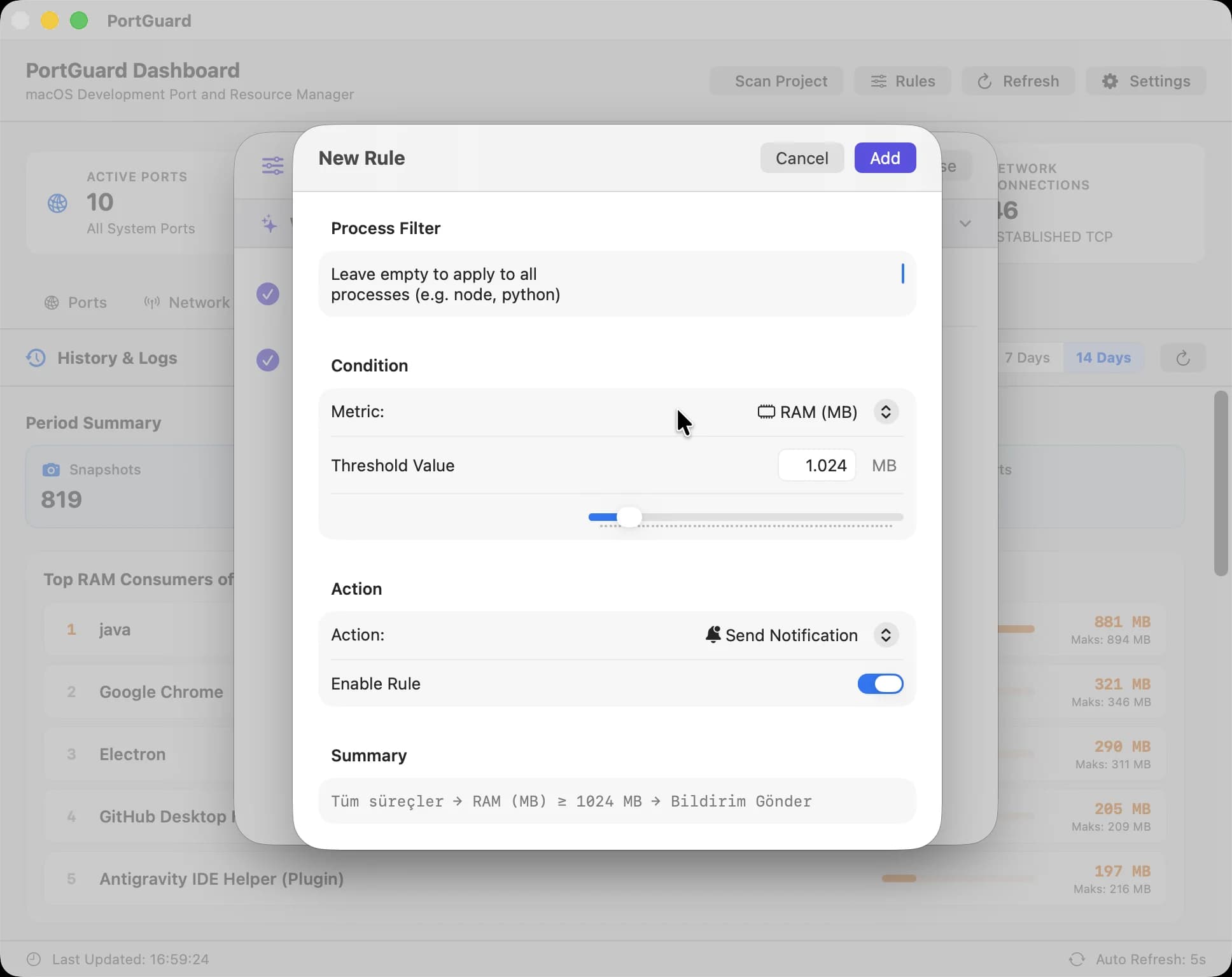
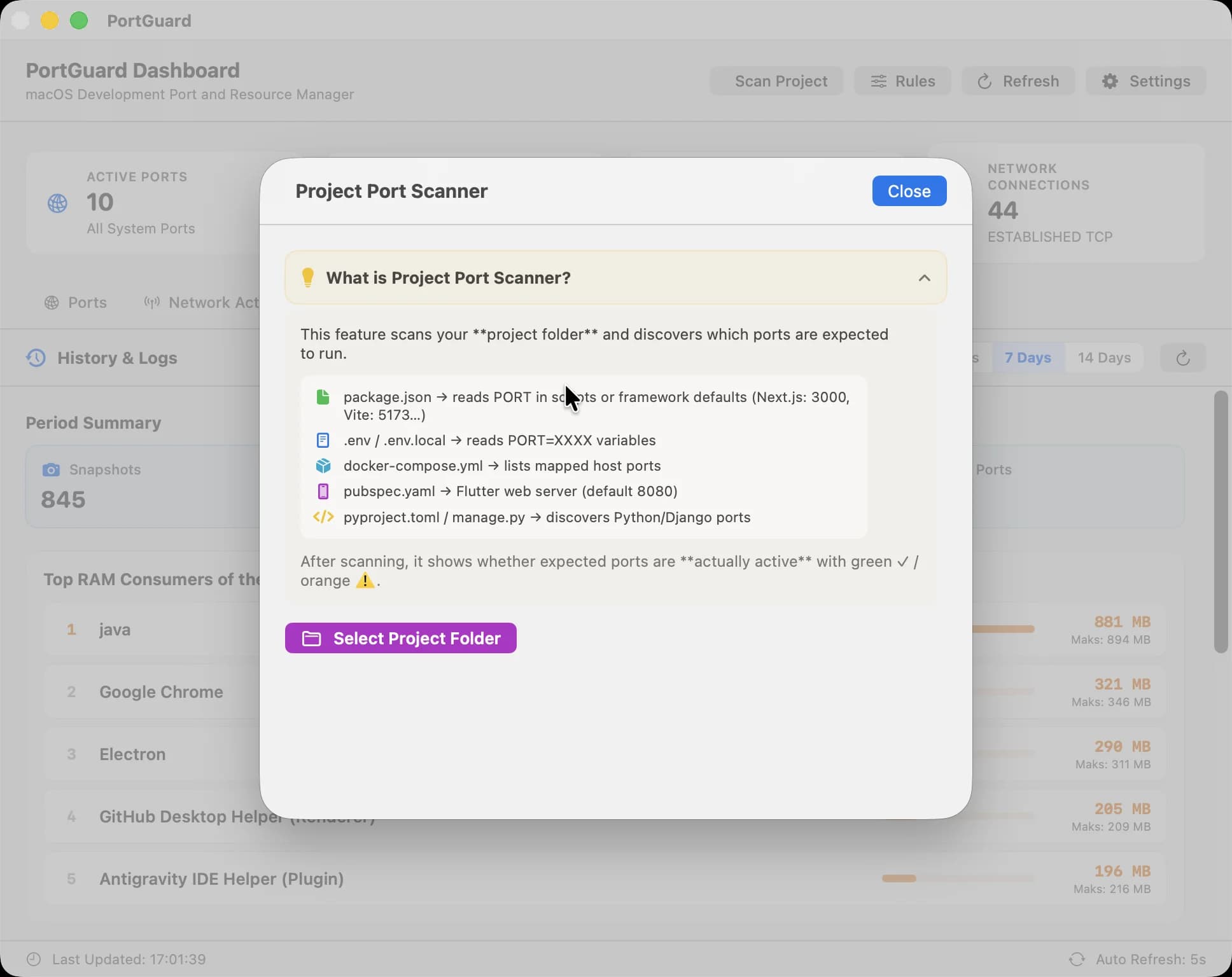
New in v1.0.4: a Port Conflict Resolver that stops and restarts a busy port in one click, a Process Details panel with the working directory and full command line, and a Quick Search palette opened with ⌥⌘P. From earlier versions: Network Activity with live per-process bandwidth; History & Trends for daily RAM peaks and port counts; a Rule Engine that warns about or stops processes crossing a threshold; and a Project Port Scanner that finds ports and conflicts from package.json, .env, and docker-compose files. The interface switches instantly between Turkish and English, and updates are checked via GitHub Releases.
Built with SOLID principles, the Strategy pattern, and dependency injection for full unit-test isolation, PortGuard runs entirely locally, ships with zero telemetry, and is released free and open source under the MIT license.
Technologies Used
GitHub
View RepositoryAbout the Project
Developers spin up plenty of local servers throughout the day — npm run dev, flutter run, vite, docker, python uvicorn. When terminal tabs get closed, these processes are forgotten in the background: consuming 1-4GB+ of RAM and 15-30%+ CPU, draining battery life, heating up the machine, and causing EADDRINUSE port conflicts on the next project.
PortGuard solves this as a lightweight app living in the macOS menu bar and dashboard: it scans every listening TCP port in milliseconds, shows live per-process RAM/CPU usage, and safely stops processes with kill -15 in one click (or in batch).
New in v1.0.4: a Port Conflict Resolver that stops and restarts a busy port in one click, a Process Details panel with the working directory and full command line, and a Quick Search palette opened with ⌥⌘P. From earlier versions: Network Activity with live per-process bandwidth; History & Trends for daily RAM peaks and port counts; a Rule Engine that warns about or stops processes crossing a threshold; and a Project Port Scanner that finds ports and conflicts from package.json, .env, and docker-compose files. The interface switches instantly between Turkish and English, and updates are checked via GitHub Releases.
Built with SOLID principles, the Strategy pattern, and dependency injection for full unit-test isolation, PortGuard runs entirely locally, ships with zero telemetry, and is released free and open source under the MIT license.

